
Finance Officers
Finance Officers can access financial information and administer payments in Bilby. This includes creating and deleting receipts, adding and removing account credit, and managing other payment-related information.
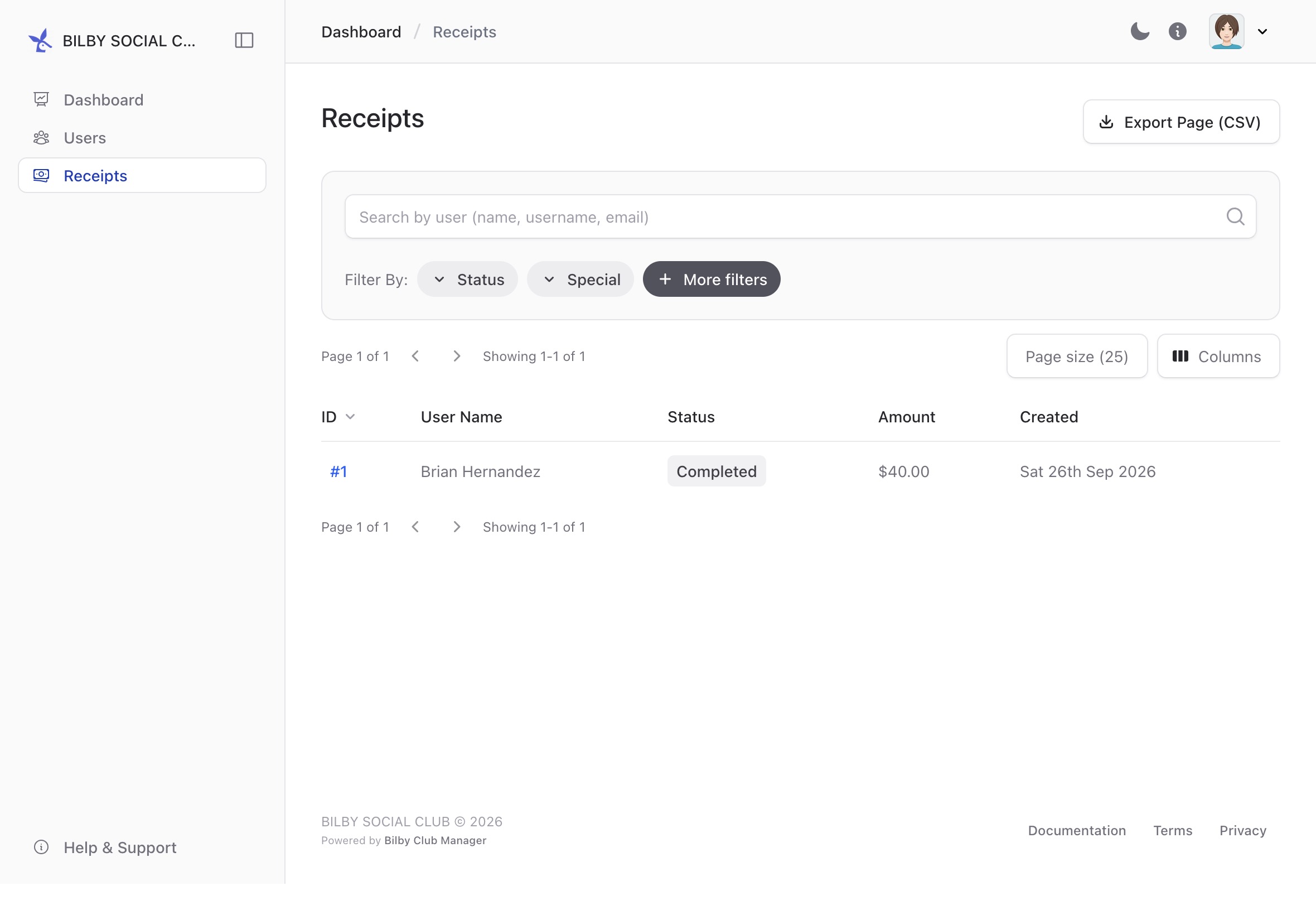
Create a receipt for a user
Finance Officers can create a receipt for a user when a payment has been received outside Bilby, such as a cash payment or bank transfer. Creating a receipt records the payment in Bilby so it can be included with the user's other payment history.
To create a receipt, go to Administration → Users and select a User. Select Payments from the sidebar, then select + Create receipt in the actions section.
The receipt will be added to the user's payment history and can be viewed from their Payments page.
Manage credits for a user
Credits are an account balance that can be used towards bookings in Bilby. Credits use the same currency as payments in Bilby, so 10 credits represents $10 of available credit.
Each user's credits are recorded in a Credit Ledger. The ledger records when credit has been added, revoked or used, providing a history of changes to the user's credit balance.
To access a user's credit ledger, go to Administration → Users and select a User. Select Payments from the sidebar, then select Credit Ledger from the actions in the top-right corner.
Apply credit to a user account
Finance Officers can add credit to a user's account when the user should have a balance available for future bookings.
Open the user's Credit Ledger and select Apply Credit. Enter the amount of credit to add and complete the action.
The credit will be added to the user's balance and recorded in the credit ledger.
Revoke credit from a user account
Finance Officers can revoke credit from a user's account when credit should no longer be available to them.
Open the user's Credit Ledger and select Revoke Credit. Enter the amount of credit to remove and complete the action.
The credit will be removed from the user's balance and the change will be recorded in the credit ledger.