Accepting Payments
Bilby uses Stripe to process online payments. When you connect your Stripe account, payments made by users are processed through your Stripe account and paid to your connected bank account.
Bilby adds its transaction fee when processing payments. See the Bilby pricing page for current pricing.
Connect Stripe
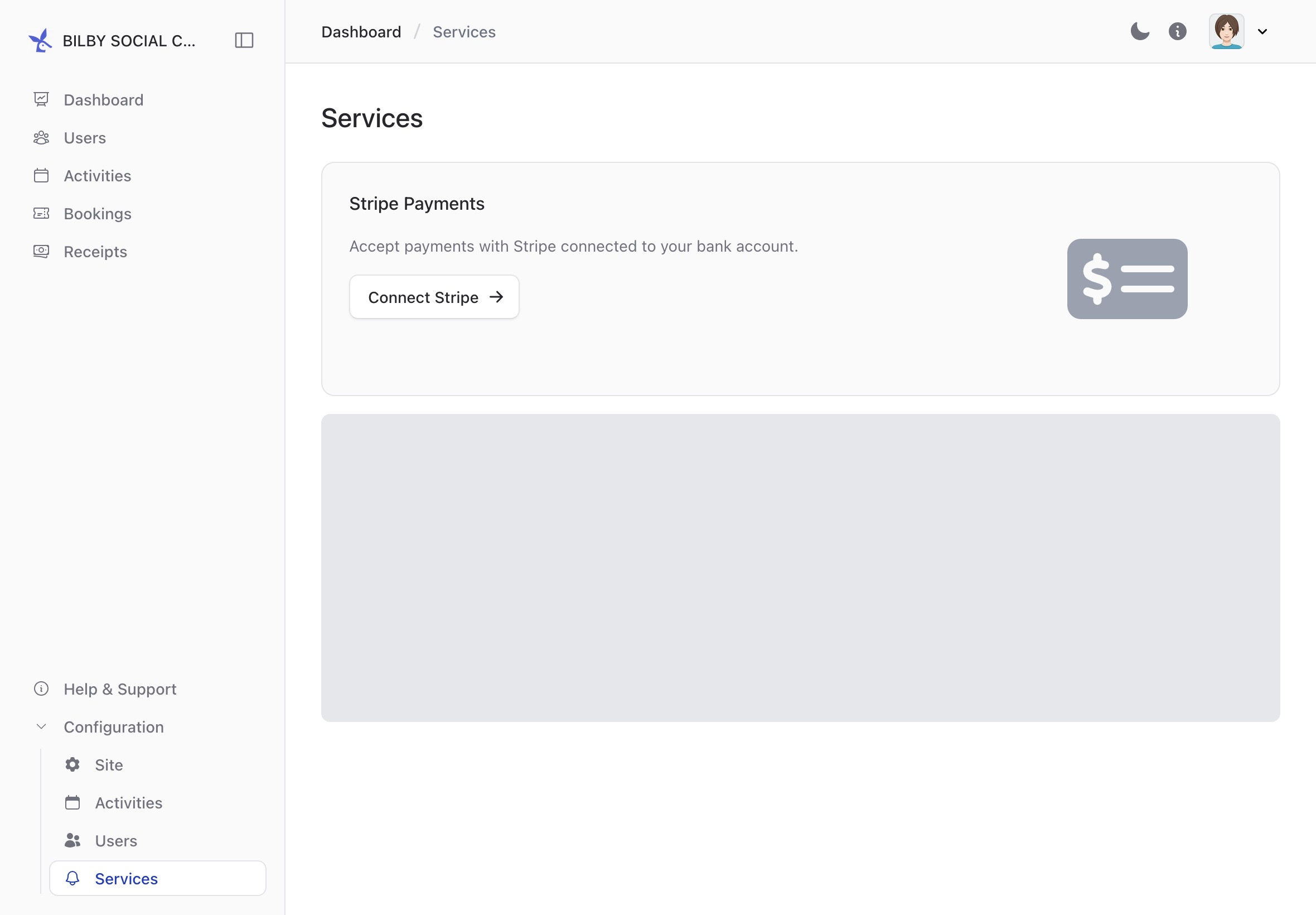
To connect Stripe, go to Administration and select Configuration → Services from the sidebar.
Select Connect Stripe and follow the steps to connect your Stripe account.
Once connected, Bilby will show whether payments are ready to be accepted.