
User Settings
User Settings let you configure defaults and options for managing users. You can configure membership products, user types and user tags.
Membership products
Membership products are products that can be sold to users and can provide membership benefits. A membership product will generally make the user a Member and set a membership expiry date, but can also provide other benefits such as booking credits.
To create or manage membership products, go to Configuration → Users and select the Products tab.
User types
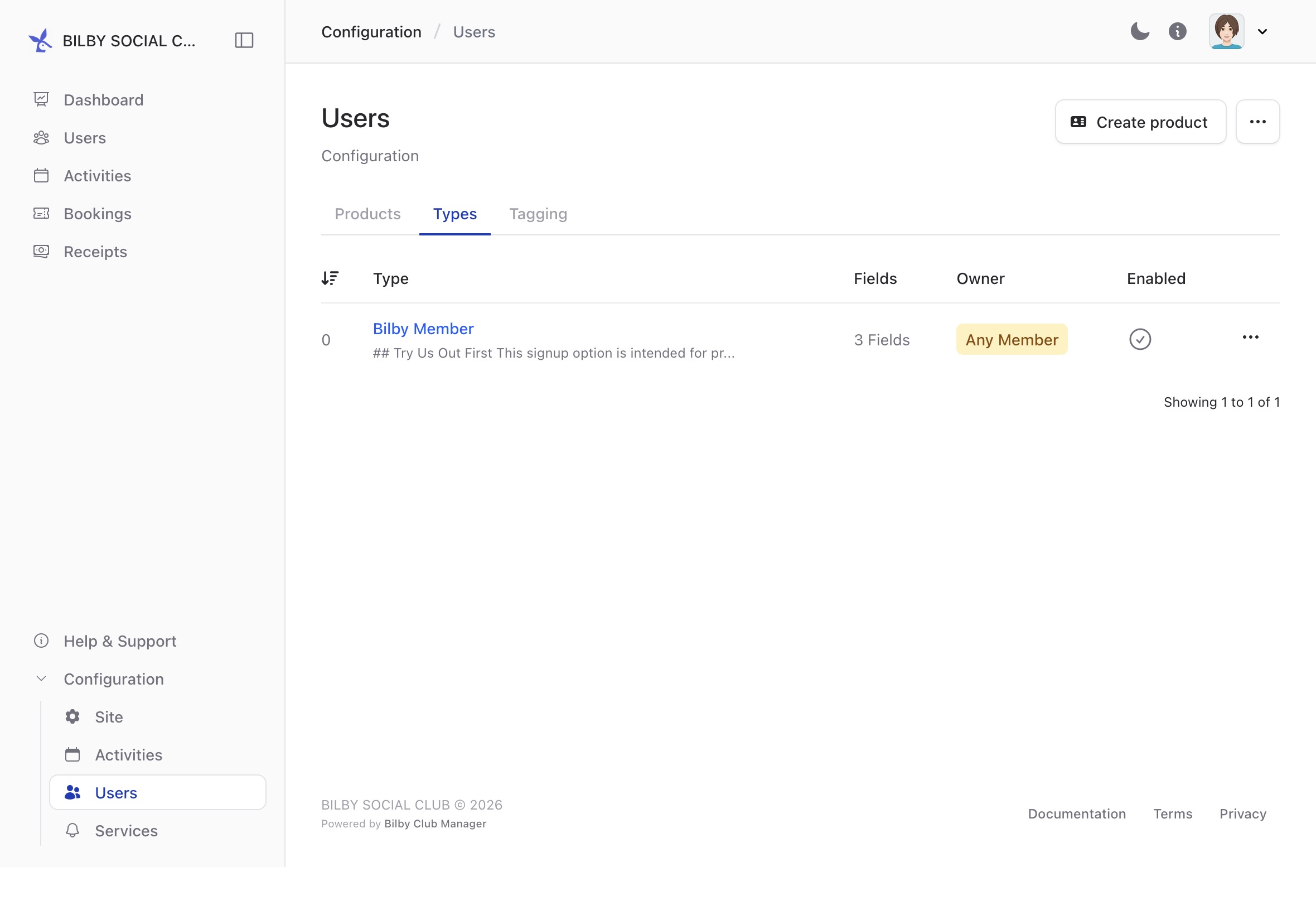
User types let you define additional information to capture about users. For example, you could create a user type that captures an Emergency Contact for activities that run over multiple days.
To manage user types, go to Configuration → Users and select the Types tab.
NOTE
You must have at least one user type in Bilby.
User tags
User tags can be used to control access to activity types. An activity type can be restricted to users with a particular tag, allowing you to control who can create activities of that type.
For example, you could create a Social tag for users who can create social activities, or an Advanced tag for users who can create restricted activities.
To manage user tags, go to Configuration → Users and select the Tags tab.